A real Google Wallet pass on Android
Tap "Add to Google Wallet" from your dashboard and Anexus builds a pass generated to Google's published spec. It lives in Google Wallet next to your boarding passes, ready to show and scan.
See the Wallet passAdd your business card to Google Wallet on Android in a couple of taps. Anexus Connect generates a real Google Wallet pass from your smart profile — and an Apple Wallet pass on iPhone — so your card is always one tap away, with no app needed for the person you meet.
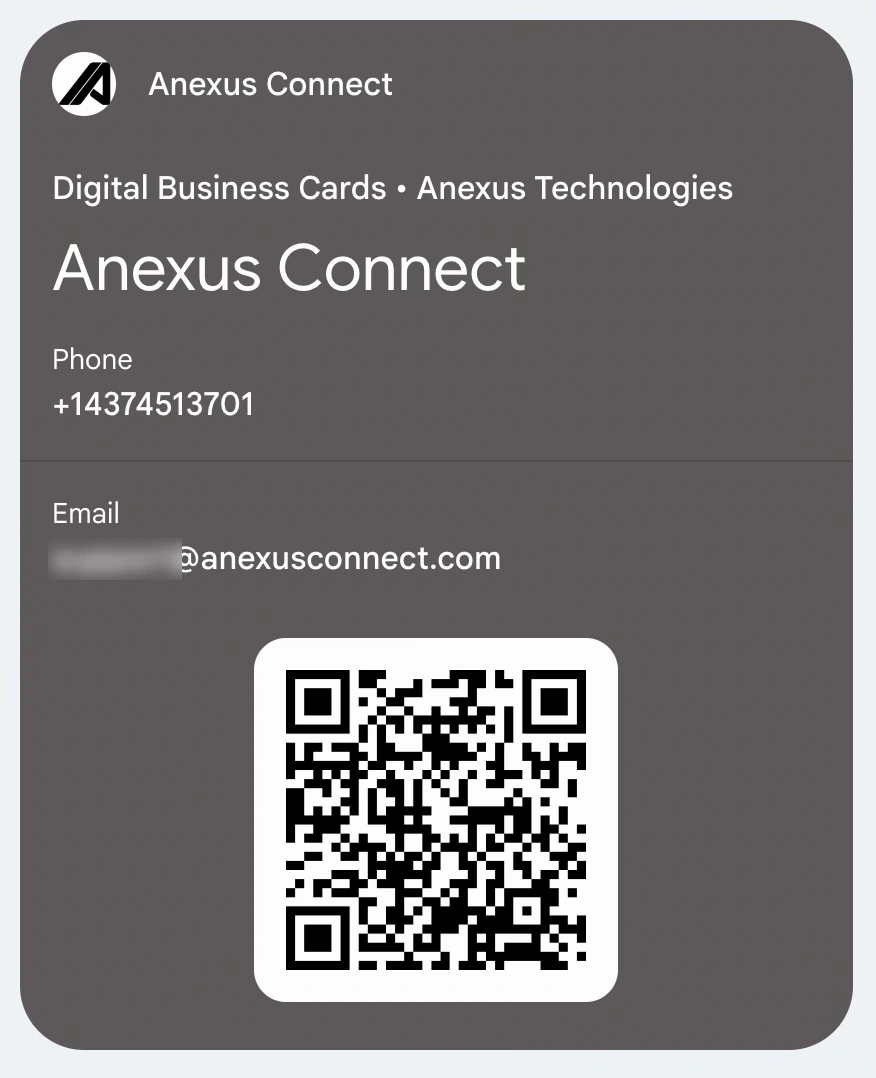
Your phone's wallet is the screen you already open for boarding passes and loyalty cards — so your business card belongs there too. On Android, Anexus Connect builds a Google Wallet pass generated to Google's published specification; on iPhone, it builds an Apple Wallet pass. Either way, the pass carries a QR and a link to your smart profile: show it, someone scans it, and your up-to-date details open in their browser — no app or account on their side. Edit your profile and the pass reflects the change, so an old contact still reaches today's you. The Wallet pass is free with any Anexus card, and a one-time $1.99 on a free account without one — never a subscription either way; PRO adds custom pass branding and per-pass analytics.
Tap "Add to Google Wallet" from your dashboard and Anexus builds a pass generated to Google's published spec. It lives in Google Wallet next to your boarding passes, ready to show and scan.
See the Wallet passThe Wallet pass shows a QR for screens; an NFC card or Phone Tap sticker adds tap-to-share in person. Same smart profile whichever way you share — and still no app for the person receiving it.
Explore NFC cardsWhen someone scans your Wallet pass, the connection is captured into your built-in CRM with source attribution — so a quick intro becomes a follow-up you won't forget.
See the built-in CRMBuy any Anexus card — Metal Black, Stainless Steel, or the $24.99 Phone Tap sticker — and your Google Wallet and Apple Wallet passes cost nothing extra. On a free account without a card, the pass is a one-time $1.99. No subscription is required either way: PRO is an optional upgrade that adds custom pass branding and per-pass analytics.
See pricingFrom your Anexus Connect dashboard on Android, tap "Add to Google Wallet." We generate a pass to Google's published specification and hand it to Google Wallet, which stores it on your phone. Show the pass and its QR opens your smart profile for anyone who scans it.
No. They just scan the QR on your Wallet pass, and your profile opens in any phone's browser — no app, account, or download on their side.
Yes. On iPhone, Anexus generates an Apple Wallet pass (a signed .pkpass) that works on iPhone and Apple Watch; on Android, it generates a Google Wallet pass. The same smart profile sits behind both.
It's free with any Anexus card, including the $24.99 Phone Tap sticker. On a free account without a card, the pass is a one-time $1.99 — a subscription is never required. PRO (about $6.99 CAD/month or $59.99 CAD/year) is optional and adds custom pass branding and per-pass analytics.
Your pass points to your smart profile, so whatever you edit — a new role, number, or photo — is what people see when they scan it. There's nothing for your old contacts to re-download.